
A FEW ANSWERS
Help with your TV.
Find answers about installation, device verification and playlists.
Does XTRTV provide channels or content?
No. XTRTV is a media player. Add your own playlist to watch its content.
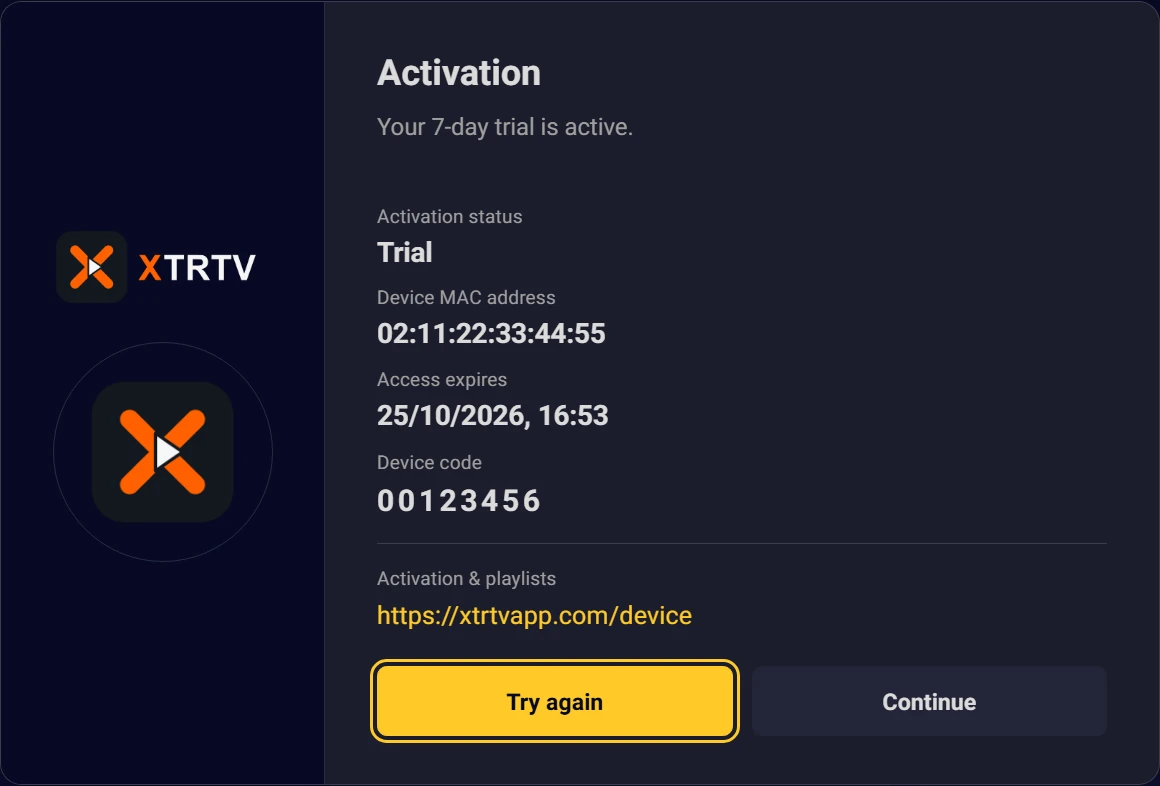
Where do I find my MAC address and device code?
Open XTRTV on your TV. The MAC identifies your TV; the device code lets you manage its playlists on this website.
How do I add a playlist?
Save your Xtream API or M3U details in My device, then reopen the TV app. Use the details from your playlist provider.
How does the free trial work?
The 7-day trial starts automatically when you install and open XTRTV on your TV. No registration or card details are required; activate your device here if you want to continue.
What's the difference between 1 Year and Lifetime?
1 Year gives you 12 months of access. Lifetime gives unlimited access for the MAC address of the activated device.
How many devices does a license cover? Can I transfer it?
Each license covers one device and is tied to its MAC address. Device changes and license transfers are not available.
What happens when my yearly plan ends?
Access to the app is locked. An activation screen appears when you open it, and you cannot enter another area until the device is activated again.
Will I be charged automatically?
No. Plans do not renew automatically, and automatic payments are never taken.
Can I get a refund?
No. All sales are final, including after activation or later service termination.
My channels won't play. What should I do?
Check your playlist connection details. Contact your playlist provider about unavailable channels or content.
Still need help?
Include your TV model and the problem you see. Keep your device code and playlist password private.