
YOUR XTRTV
Manage your TV.
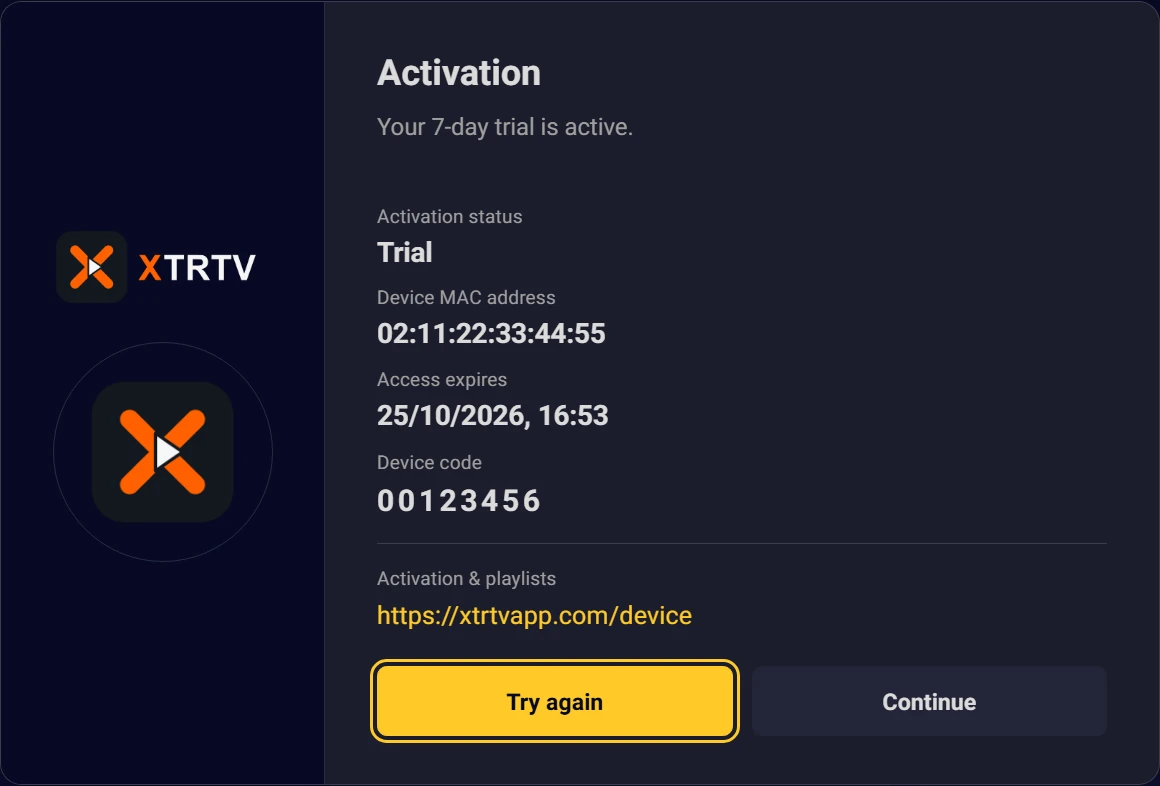
Enter the MAC address and device code shown on your TV to add or update playlists.
- 1Verify device
- 2Add playlist
- 3Save
Your remote can take a break.
A MAC address identifies your TV. The device code confirms you can manage that device's playlists.
Where are my MAC address and device code?
Your details are used to verify your device and manage its playlists.
Verify your device
Use the details displayed in XTRTV.