
1 Year
12 months of player access.
$5/ year
1 device · 12 months
Choose 1 Year- Live TV & EPG
- Movies & series
- Xtream API / M3U support
- Playlist management on the web
- Samsung / LG / Android support
YOUR DEVICE LICENSE
Check the TV registered with your MAC address, then choose a plan for that device.
Use the MAC address displayed in the XTRTV app. Only a TV that has opened the app can be verified.
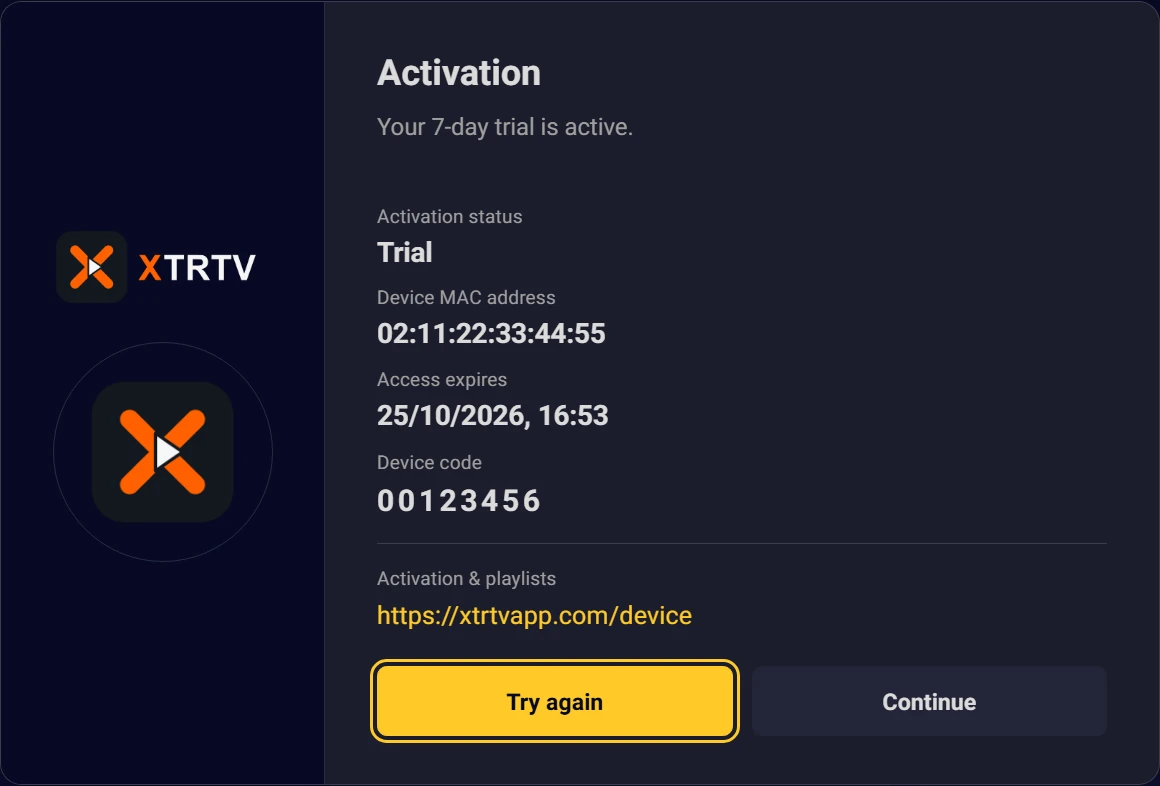
Enter the address shown in your app.
SIMPLE PRICING
Start with a free trial. Activate the same TV when you're ready.
12 months of player access.
$5/ year
1 device · 12 months
Choose 1 YearKeep using XTRTV on this device.
$9one-time
1 device · unlimited time
Choose LifetimeNo refunds. Sales are final, including after app activation or later service termination.
Activation is currently handled by our team. No online payments are taken on this website. Support
A FEW ANSWERS
Read about device licenses before activation.
No. XTRTV is a media player. Add your own playlist to watch its content.
Open XTRTV on your TV. The MAC identifies your TV; the device code lets you manage its playlists on this website.
Save your Xtream API or M3U details in My device, then reopen the TV app. Use the details from your playlist provider.
The 7-day trial starts automatically when you install and open XTRTV on your TV. No registration or card details are required; activate your device here if you want to continue.
1 Year gives you 12 months of access. Lifetime gives unlimited access for the MAC address of the activated device.
Each license covers one device and is tied to its MAC address. Device changes and license transfers are not available.
Access to the app is locked. An activation screen appears when you open it, and you cannot enter another area until the device is activated again.
No. Plans do not renew automatically, and automatic payments are never taken.
No. All sales are final, including after activation or later service termination.
Check your playlist connection details. Contact your playlist provider about unavailable channels or content.